

Agentset-Signature header. Agentset generates this header using a secret key that only you and Agentset know.
An example header looks like this:
Finding your webhook’s signing secret
You can find your webhook’s signing secret in the Update Details tab: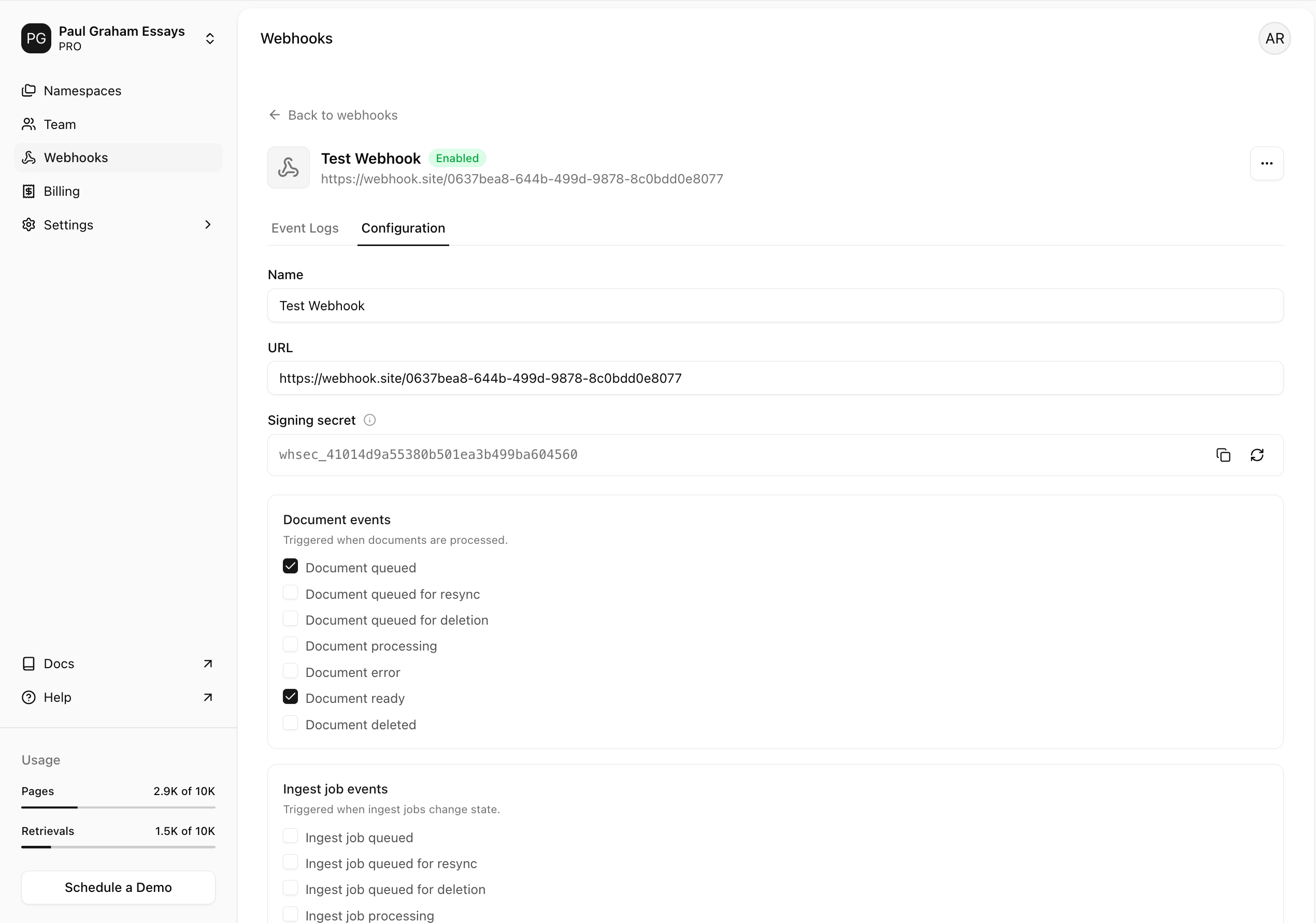
AGENTSET_WEBHOOK_SECRET). Do not commit it to git or add it in any client-side code.
Verifying a webhook request
To verify, use the secret key to generate your own signature for each webhook. If both signatures match, you can be sure that the received event came from Agentset. The steps required are:- Get the raw body of the request.
- Extract the signature from the
Agentset-Signatureheader. - Calculate the HMAC of the raw body using the
SHA-256hash function and the secret. - Compare the calculated
HMACwith the one sent in theAgentset-Signatureheader. If they match, the webhook is verified.